
Starter
WST 69/month
Includes VAGST
One counter that wants quick, tidy sales and a clean cash-up.
- One shop, one till
- Unlimited products and sales
- Touch till with your own quick buttons
Preview site for review. Some features are still in testing.
Point of sale for Samoa
Connect POS rings up each sale quickly and, at closing, shows what should be in the cash drawer. It is made in Samoa for faleʻoloa, cafés, takeaways and restaurants, and priced in tala.
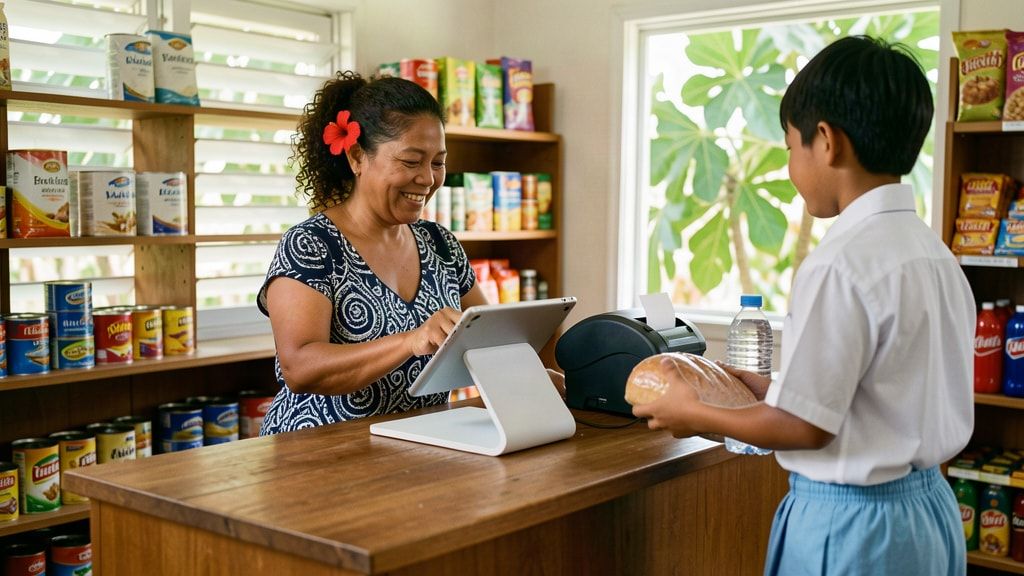
A day at the counter
Here is a normal day at a corner store in Vaitele. The screens are the real Connect POS, with a sample shop and sample prices.
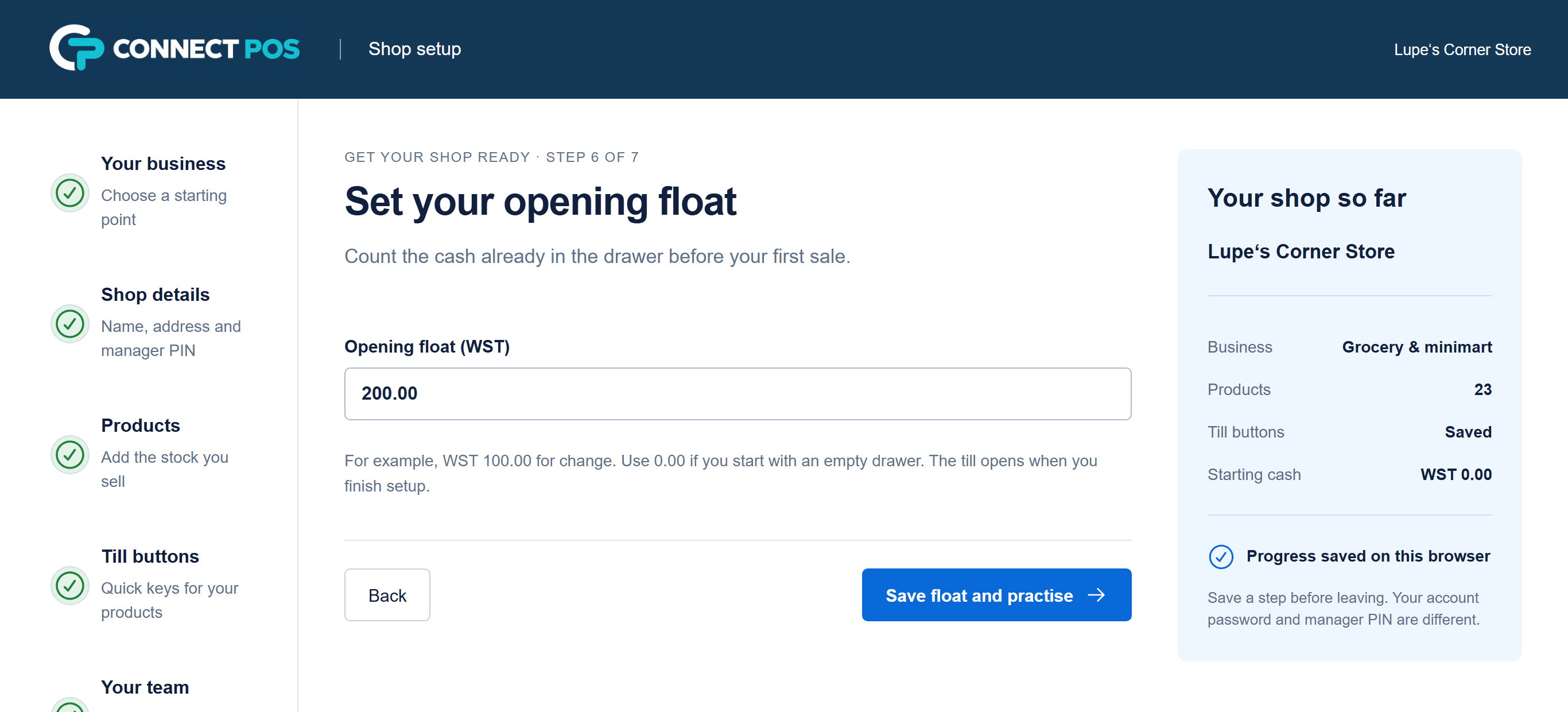
6:45am
Sign in with your PIN and count the float into the drawer. Connect POS remembers it, so the cash-up tonight starts from the right number.
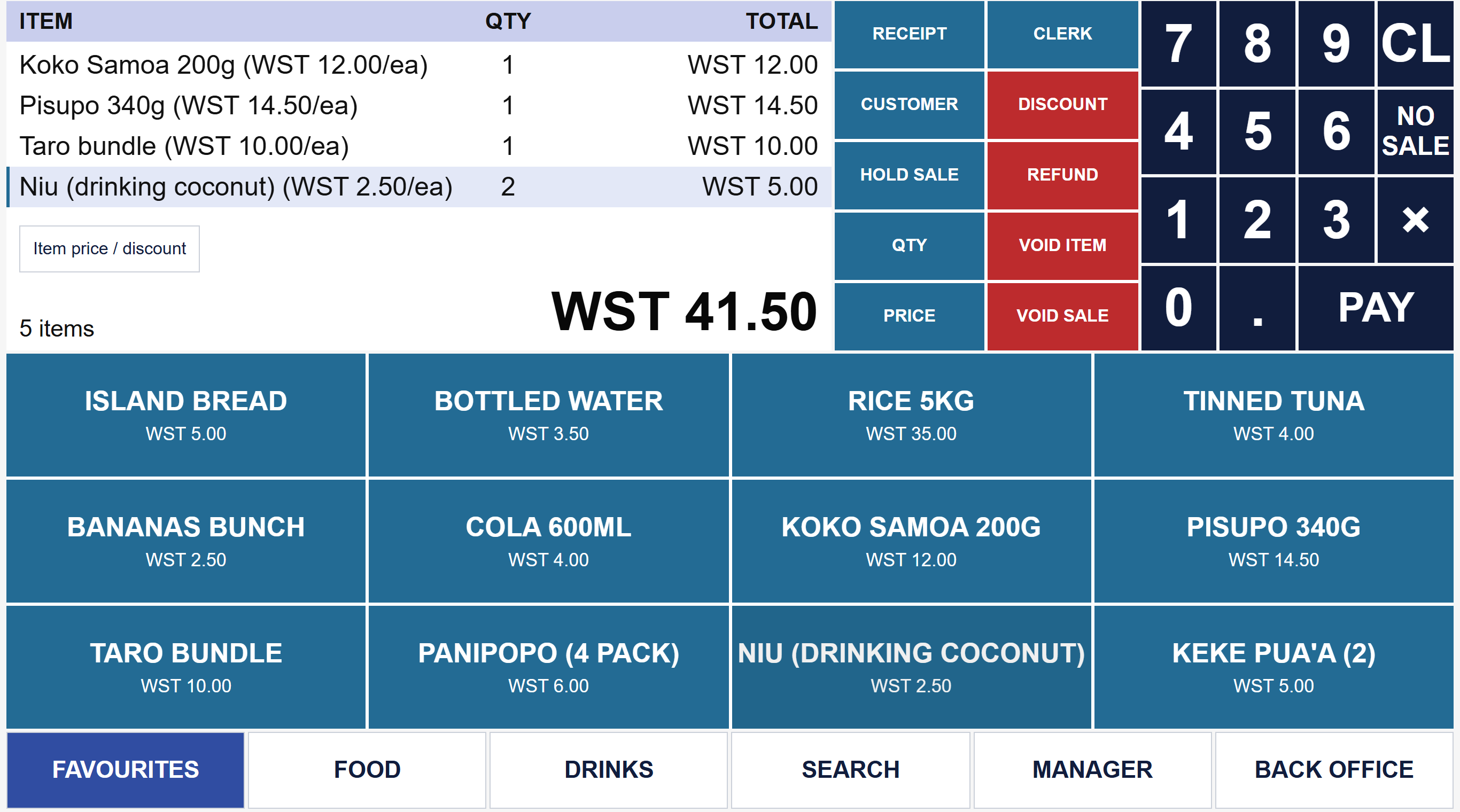
10:30am
Tap a quick button or scan a barcode. If a customer runs back for something they forgot, hold the sale, serve the next person, then recall it.
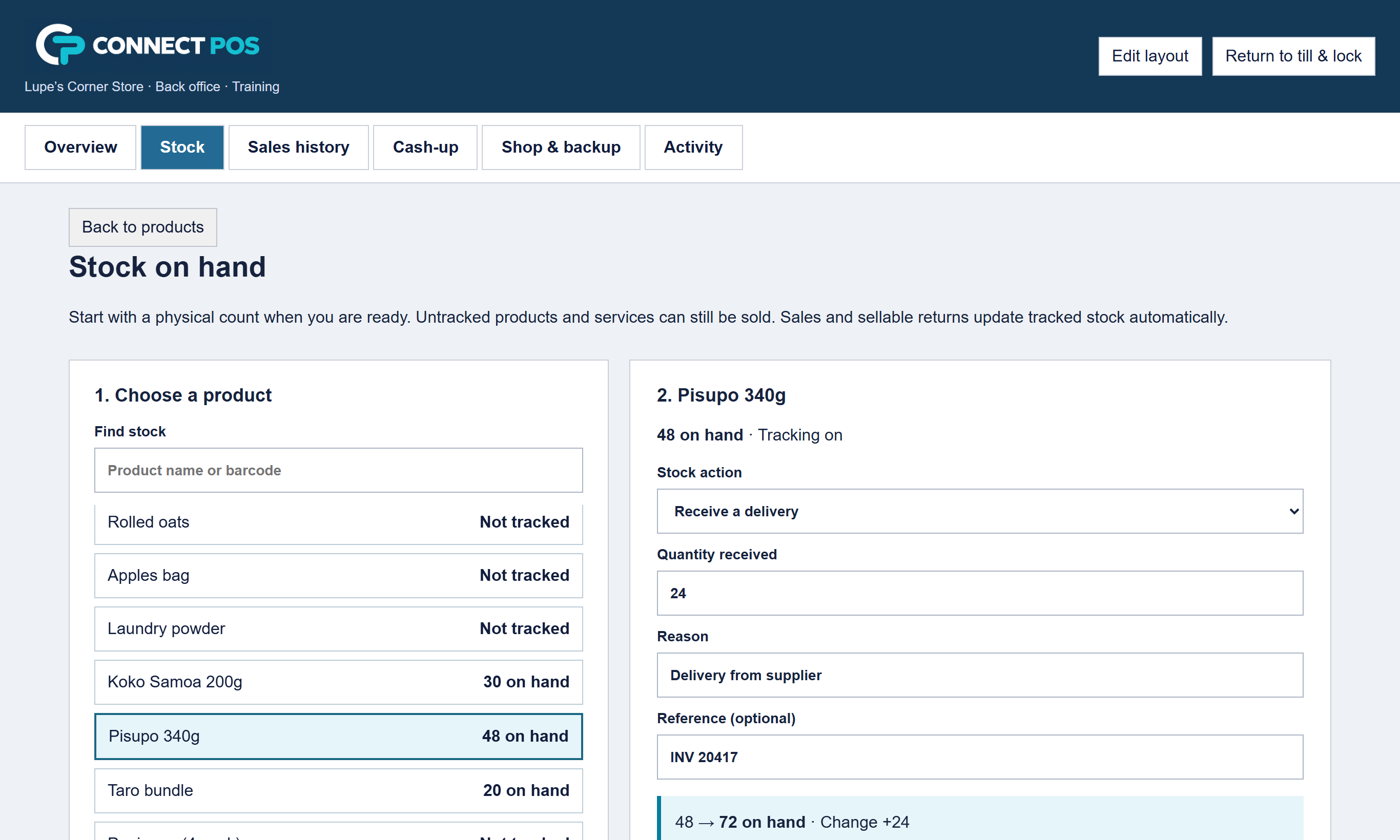
1:15pm
Receive the boxes against your stock with the supplier's invoice number. The count goes up straight away, and every change is kept in the movement history.
6:00pm
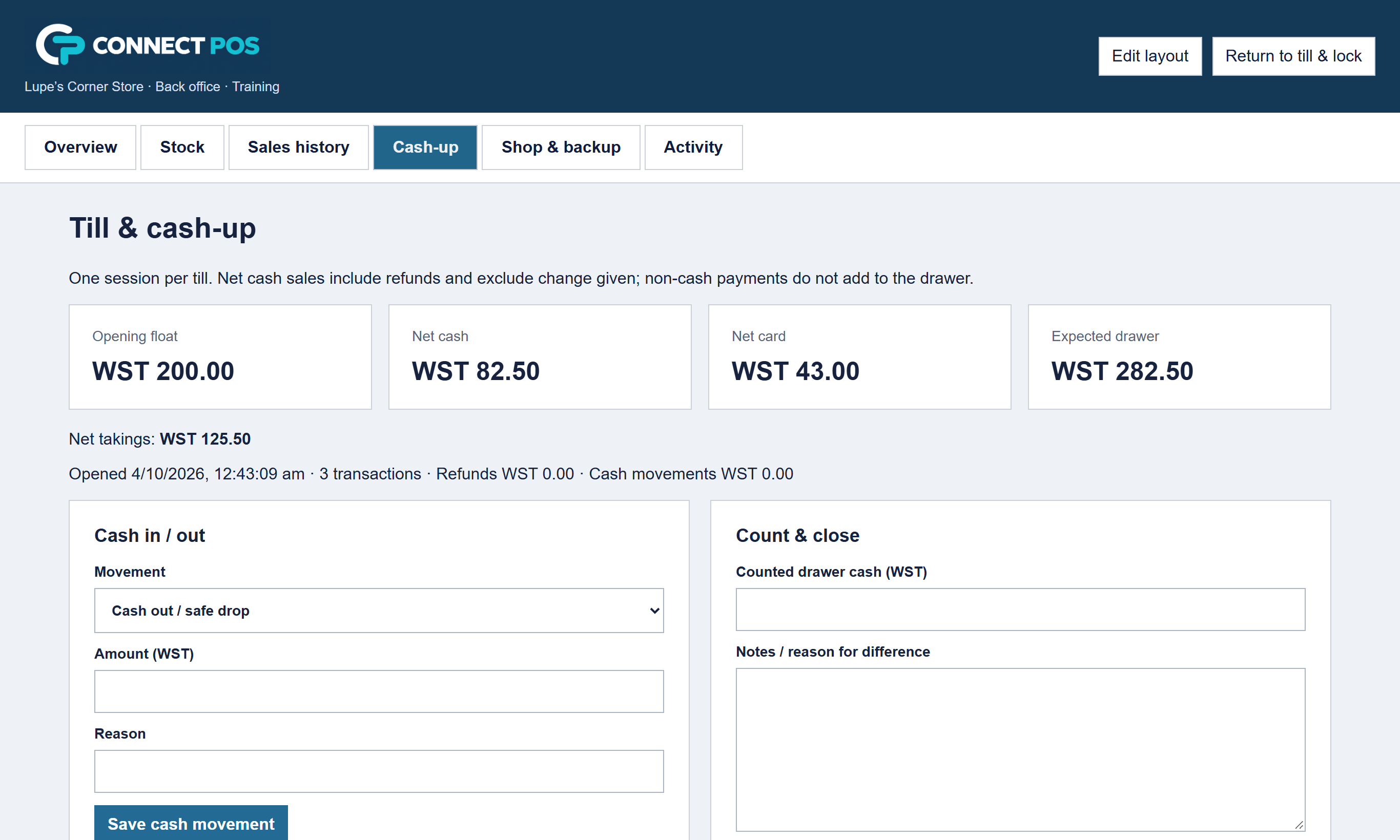
Count the drawer. Connect POS shows what should be there, by payment type. If the count is short or over, it asks for a reason before you close the day.
8:30pm
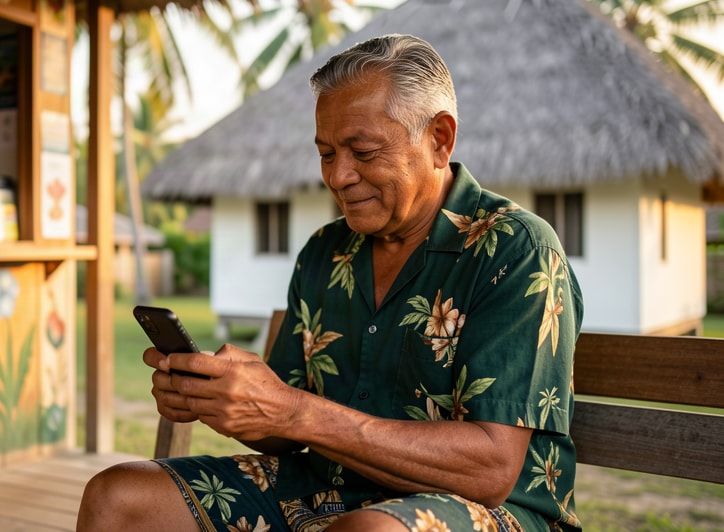
Sign in from your phone after lotu or dinner and look up today's sales or a single receipt. It runs in the web browser, so there is nothing to install.
Shop types
Choose your type of business on day one. Connect POS starts you with sensible categories and till buttons, ready for your own products. You can change everything later.
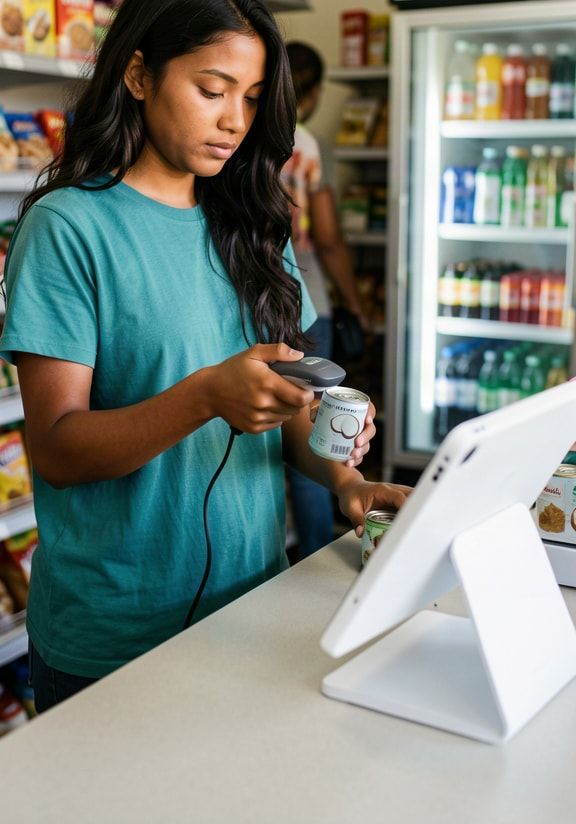
Barcodes, quick buttons for bread and drinks, stock counts and deliveries.
How it works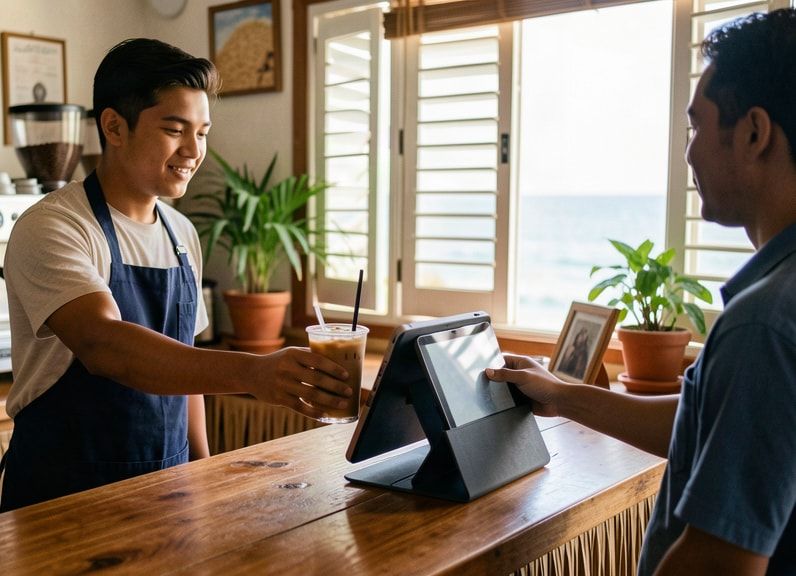
Sizes and extras on drinks, and orders sent to the kitchen screen.
How it works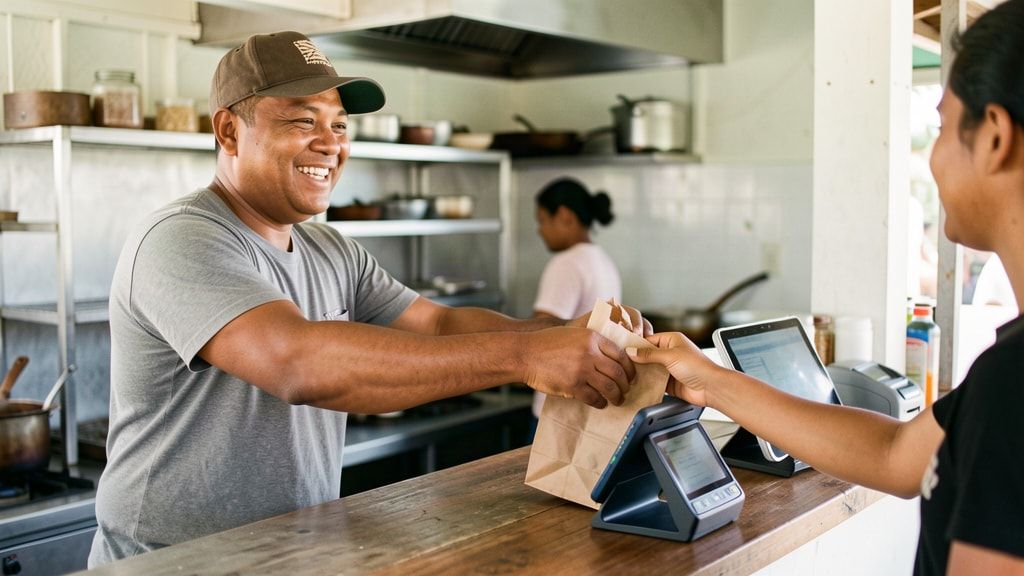
Pay & send at the counter, with a name or number on every ticket.
How it works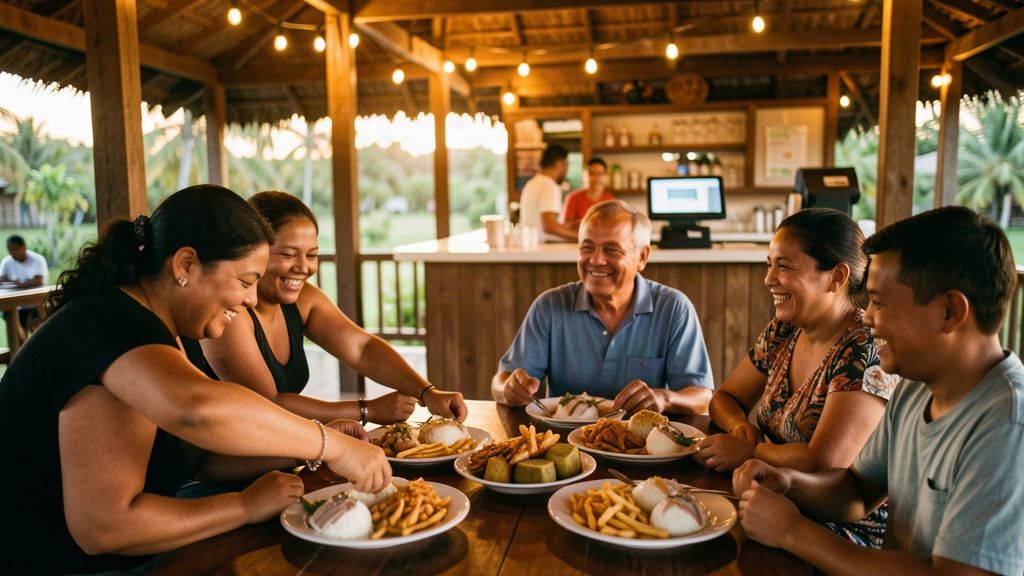
Tables, seats, one bill per table, and moving a table when a group shifts.
How it worksAlso for hardware and parts shops, fashion and gift shops, bakeries and delis. See all shop types.
Cafés, takeaways and restaurants
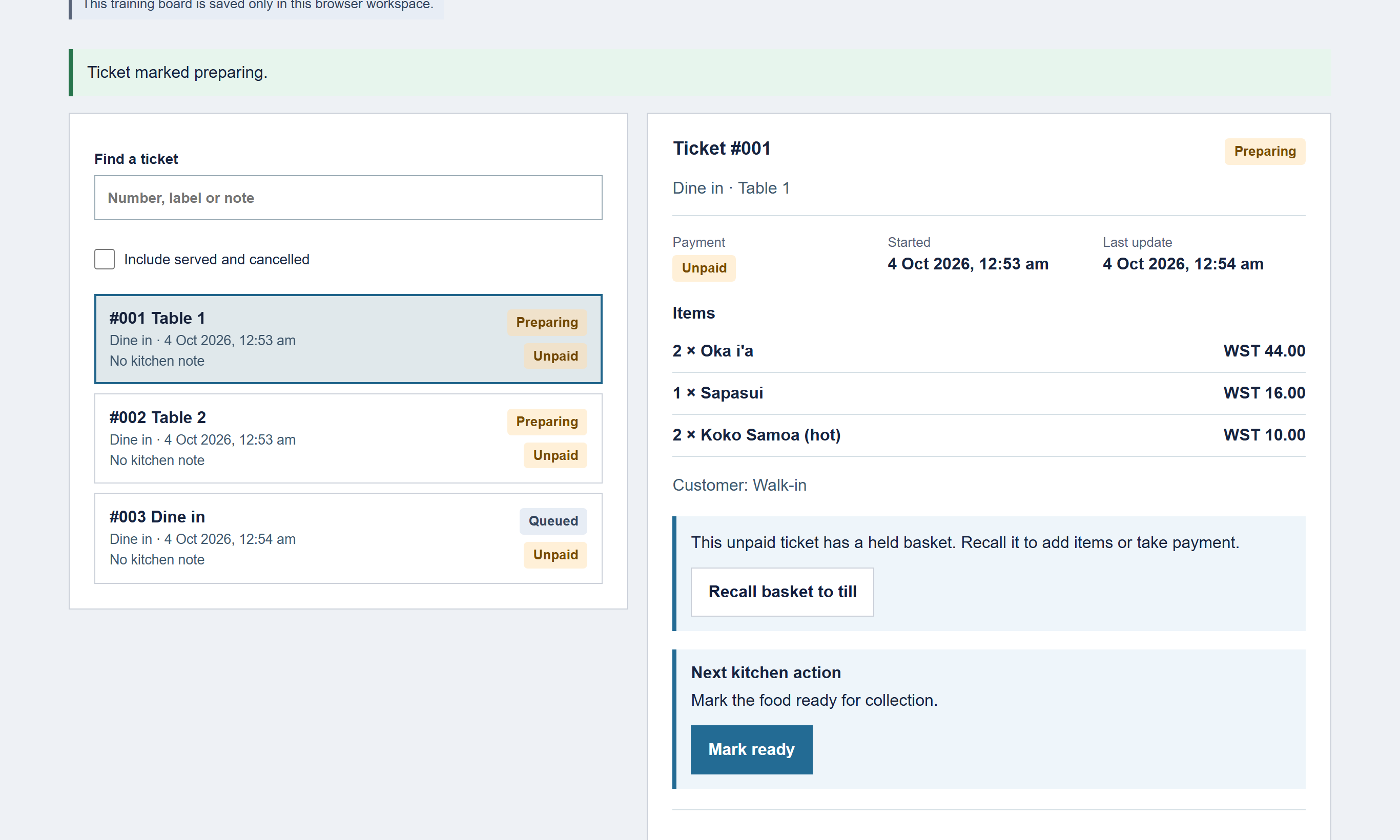
Take the order at the counter and the kitchen sees it on its own screen. Cooks move each ticket from Queued to Preparing to Ready, and the counter knows when food is up.
Pricing in tala
Pay per shop, month to month. Every plan includes unlimited products and sales, updates, encrypted cloud backups and phone support from Samoa.
WST 69/month
Includes VAGST
One counter that wants quick, tidy sales and a clean cash-up.
For shops that track stock
WST 119/month
Includes VAGST
Shops and mini-marts that need to know what is on the shelf.
Everything in Starter and more
WST 159/month
Includes VAGST
Cafés, takeaways and restaurants that send orders to a kitchen.
Everything in Shop and more
TIMS add-on (in development, not available yet): WST 49 a month per shop plus WST 250 setup, only if Revenue requires TIMS for your business and once the add-on is accredited. About the TIMS add-on
Compare plans and add-ons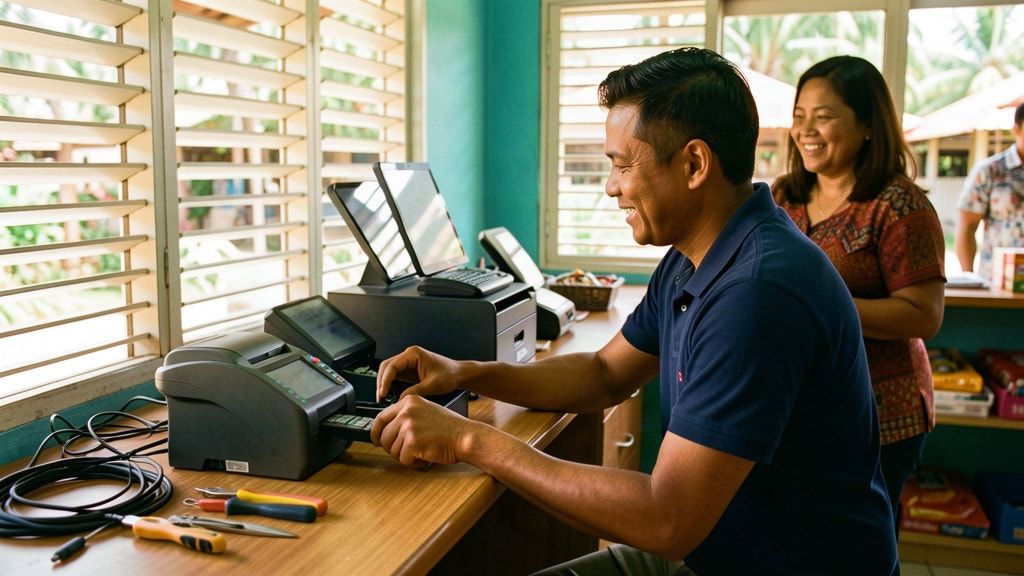
Made in Samoa
Connect IT looks after computers, networks, CCTV, alarms and access control for businesses around Samoa. Connect POS is our own product, built here for the way local shops trade: mostly cash, priced in tala, open long days.
Questions
No. Connect POS runs in a web browser on a tablet, laptop or computer you already own. If you want a full counter set-up, we can supply a tablet, stand, receipt printer, cash drawer and scanner. See hardware and setup.
The sales screen follows the classic till layout: the basket on the left, big product buttons, a number pad and a PAY key. There is also a practice mode that copies your own products and till buttons, so staff can try a whole shop day without touching real sales.
Today Connect POS records cash, card, bank transfer, mobile money, cheque, voucher and other payments, including split payments, so your cash-up matches. It does not yet connect to an EFTPOS terminal. Card terminal integration is planned, and we will tell you when it is ready.
TIMS is a separate add-on that you switch on only when the Ministry for Revenue requires it for your business. It is still being developed and is not accredited, so it is not available for live use yet. Shops without it work normally. Read about the TIMS add-on.
Talofa lava
Tell us what you sell and how you run the counter now. We will set up a demo with your own items and prices, show you around, and answer every question. It is free, and there is no pressure to sign up.
Rather talk to a person? Call Connect IT in Samoa.
+685 27313+685 27333Or email sales@connectitsamoa.com, or message Connect IT Samoa on Facebook.